Your heart rate, on top of every app.
HR Pill connects to your chest strap, armband or watch and floats your live BPM over whatever you're watching. The colour tells you which zone you're in, so you never have to look away.


Five zones. One glance.
Set your max heart rate once. The pill changes colour as your effort moves from easy recovery to all-out.
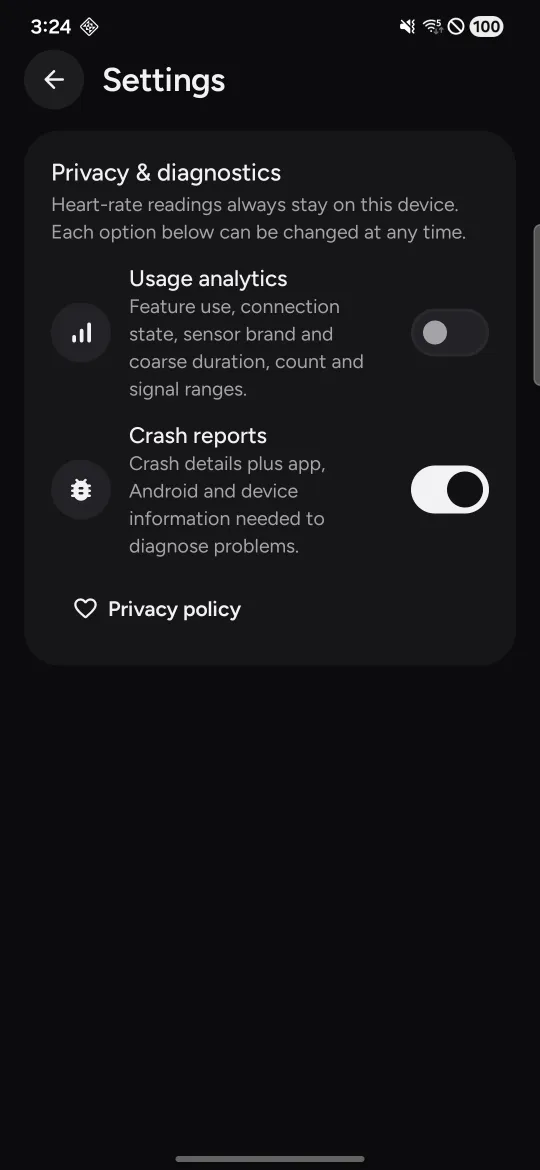
Everything else fits on one screen.
Connect a sensor, set your HRmax, pick a pill style. The app follows your system's dark or light theme.
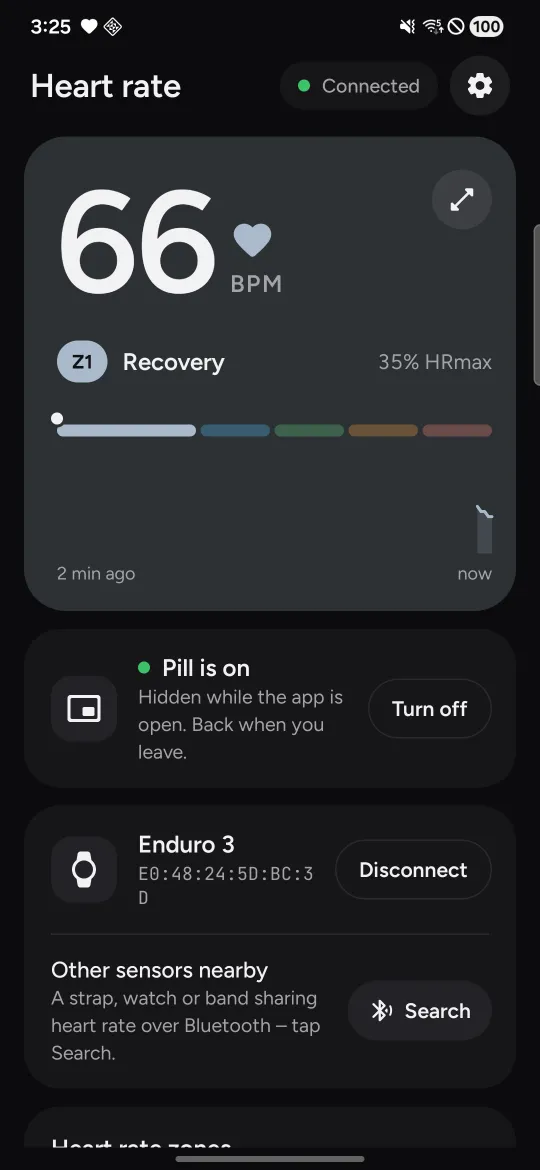
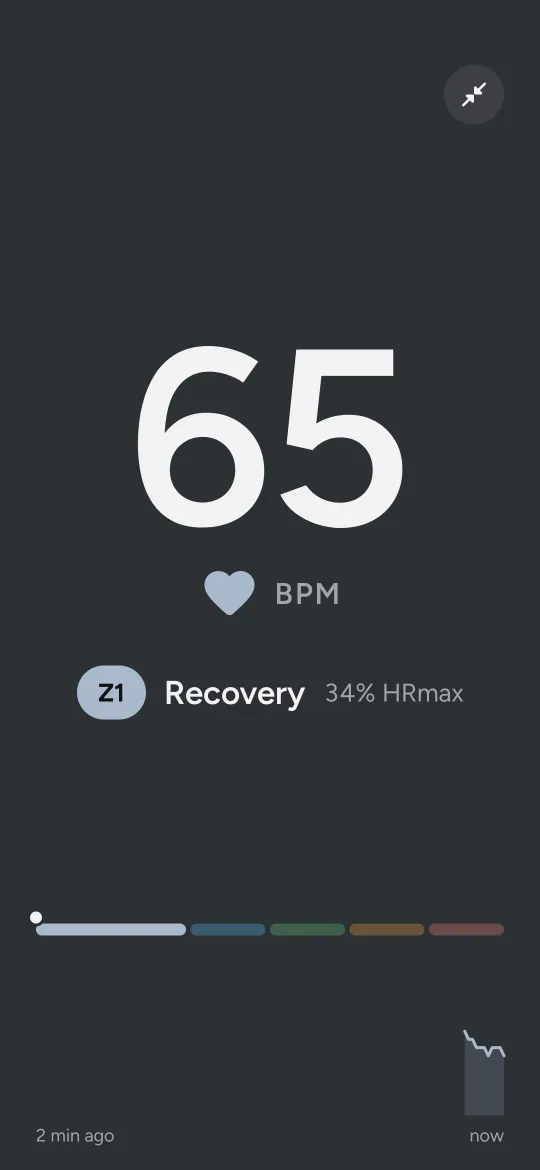
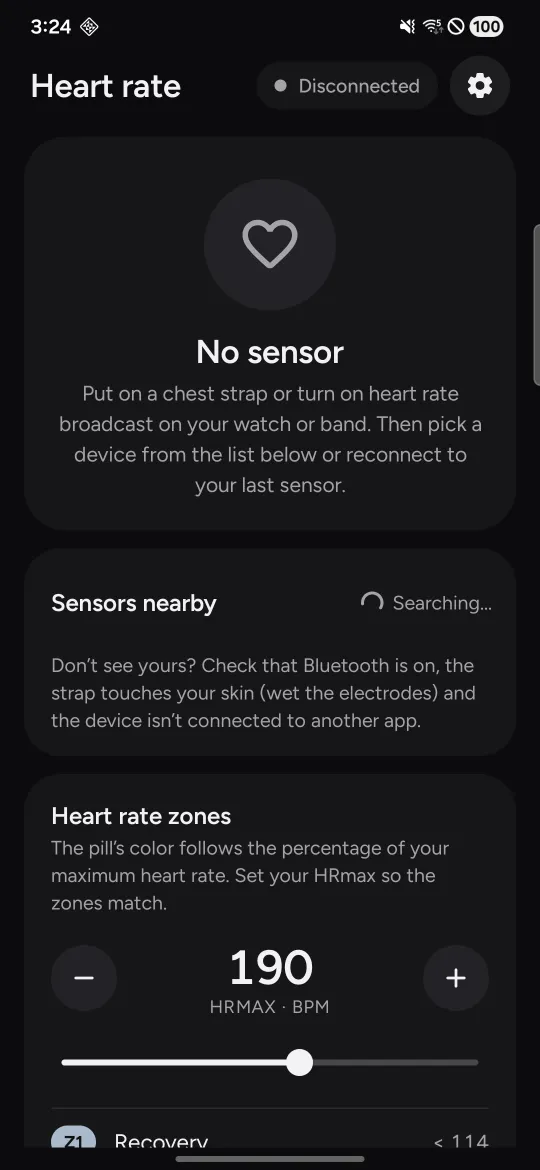
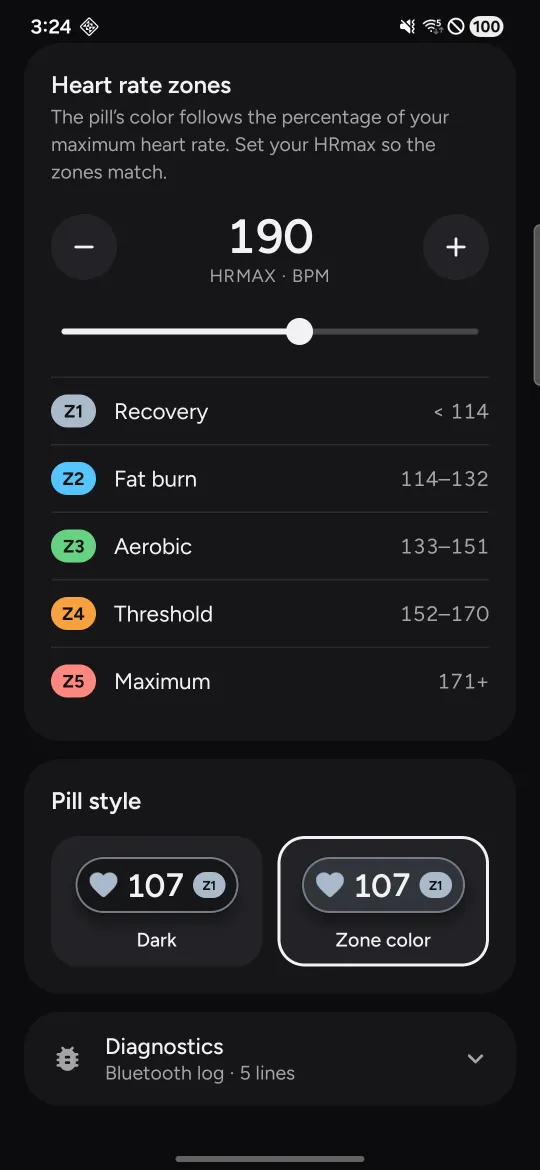
Bigger screen, same pill.
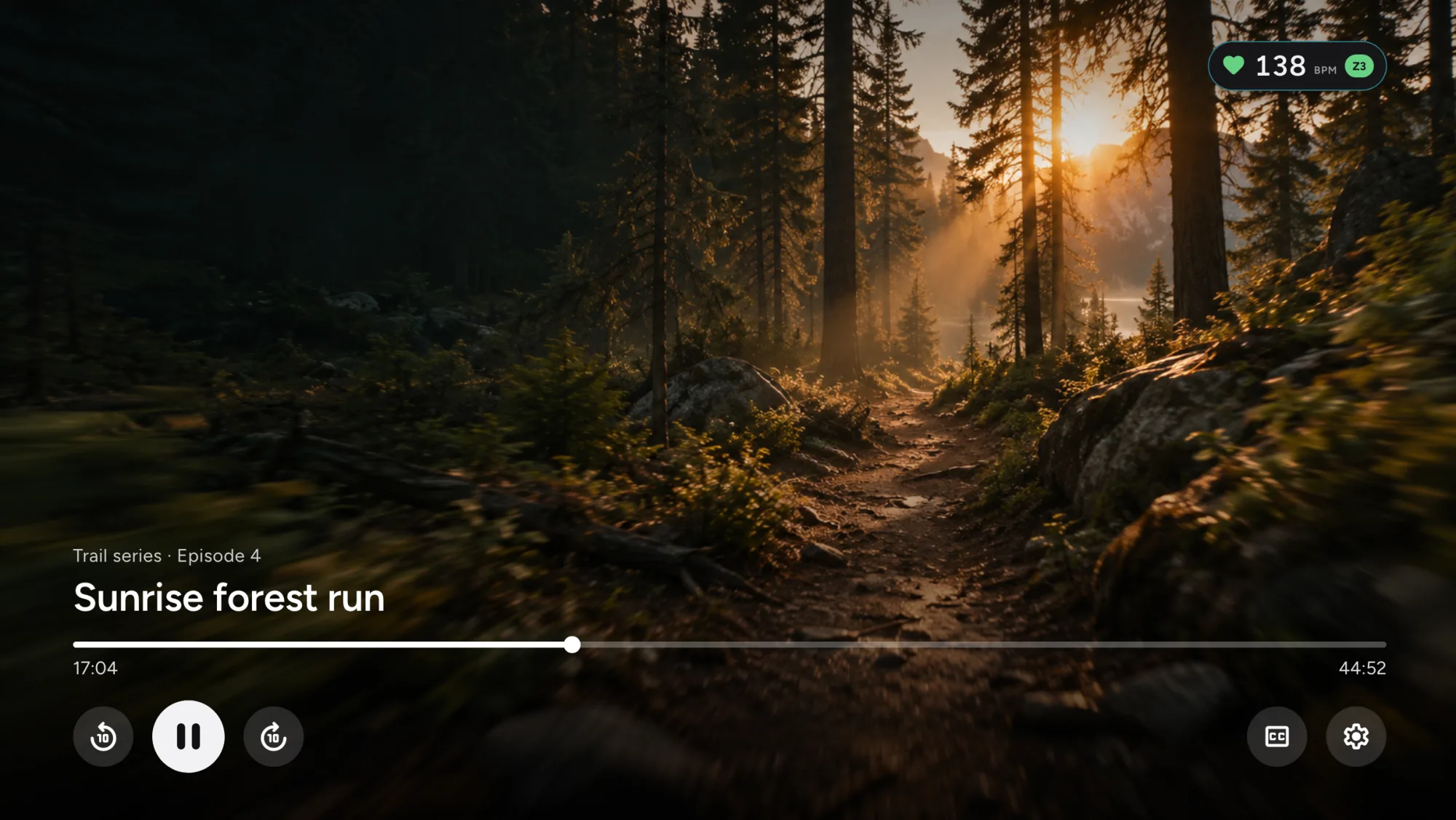
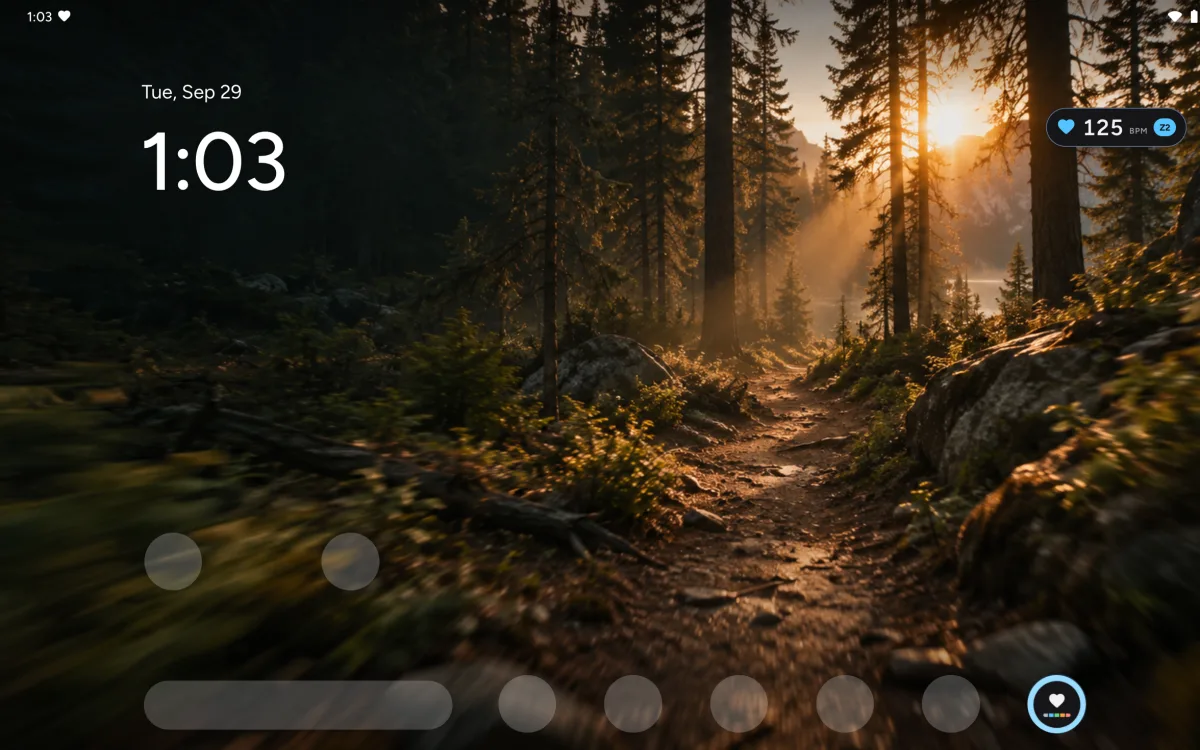
Follow a workout video on your TV or ride along to a film on your tablet. HR Pill runs on Android tablets and Android TV, and the pill stays in the corner over whatever is playing.
Works with the sensor you already have.
Any device that uses the standard Bluetooth Heart Rate profile: chest straps, armbands and watches with heart rate broadcast turned on.
Questions, answered.
If your watch can broadcast heart rate over Bluetooth, yes. Look for a setting called “heart rate broadcast” or “broadcast HR” and turn it on before you search in HR Pill. Chest straps and armbands usually work straight away.
Yes. On tablets the app uses a two-column layout and the pill floats over any app. On Android TV and Google TV you control everything with the remote and choose which corner the pill sits in.
No. Open the app, connect a sensor and show the pill.
Heart rate readings always stay on your phone. Usage analytics and crash reports can be switched on or off in Settings at any time, and neither includes your heart rate.
That permission is what lets the pill float on top of videos, maps and other apps. Without it the heart rate can only be shown inside HR Pill.
The app keeps a Bluetooth connection open while you use it, which uses some power. Close the pill with the X or disconnect the sensor when you are done.